
Give or take roles when a ticket opens or closes
Hand out a role on create, claim, unclaim or close, and take it back later.
A role action gives or takes a Discord role when something happens to a ticket. It always changes the roles of the member who opened the ticket, even when the event is a staff member claiming it. A common pair: add an Open Ticket role when the ticket opens, and remove it when it closes.
Open the panel
Open your dashboard and pick your server. In the sidebar, under Tickets, click Ticket Panels, then click the panel.

Add an action
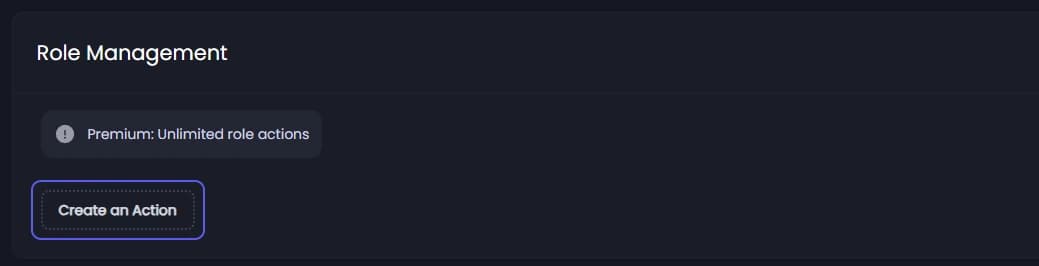
Click the Roles tab under the page title. Under Role Management, press Create an Action. A new row appears.
Pick the role
Open Select a role... in the new row and pick the role. Roles shown in red sit above Tickety's own role in Discord, and Tickety cannot give or take them.
Pick when it happens
Open Select an event... and pick On Create, On Close, On Claim or On Unclaim.
Pick add or remove
Press Add to give the role, or Remove to take it away.
Save
Add more actions the same way, then press Save Changes in the bar at the bottom of the page. Actions also apply to tickets that are already open, from their next event on.
To delete an action, press the bin on its row, then Delete Action.