
Stop one member from opening tickets
Blacklist an account from tickets without touching anyone else.
A blacklist entry stops one member from using part of Tickety. It does not change their roles in Discord, and it works straight away.
You need the Manage Server permission in Discord to open this page. The ticket admin role alone is not enough.
Open Blacklists
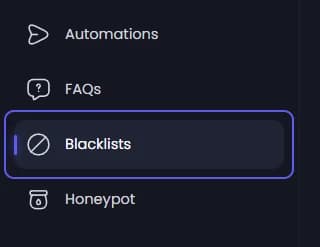
Open your dashboard and pick your server. In the sidebar, under Server, click Blacklists.
Start a new entry
Press Add Blacklist. If the list is still empty, the button says Add First Blacklist. A form opens.
Pick the member
Under Member, type at least two letters of their name and pick them from the list.
Write the reason
Type why in Reason. It is required, up to 500 characters. The member sees it when they are refused.
Pick Ticket as the type
Under Type, press Ticket. The form starts on Global, which blocks the member from all of Tickety, not only tickets. The other types are Application, Giveaway and Poll.
Decide how long
Leave Expiry Date off to block them for good. Turn it on to pick a date and time when the block ends by itself.
Add the entry
Press Blacklist Member. The entry shows up in the list, with Never under Expires when it has no end date.
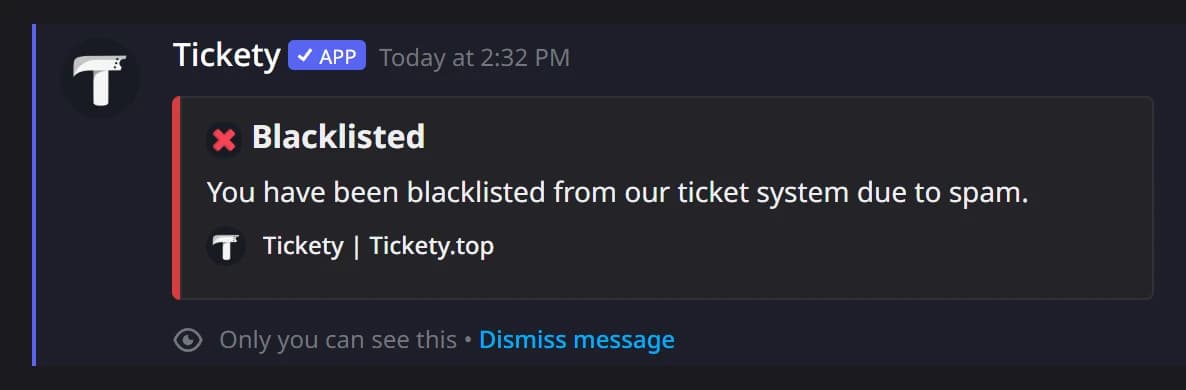
When the member presses a ticket panel, they see Blacklisted: "You have been blacklisted from our ticket system due to" your reason, plus when it ends if you set a date.
To lift a block early, press the bin on the member's row, then Remove Blacklist.