
Run a giveaway
Set the entry rules once, then create the giveaway itself.
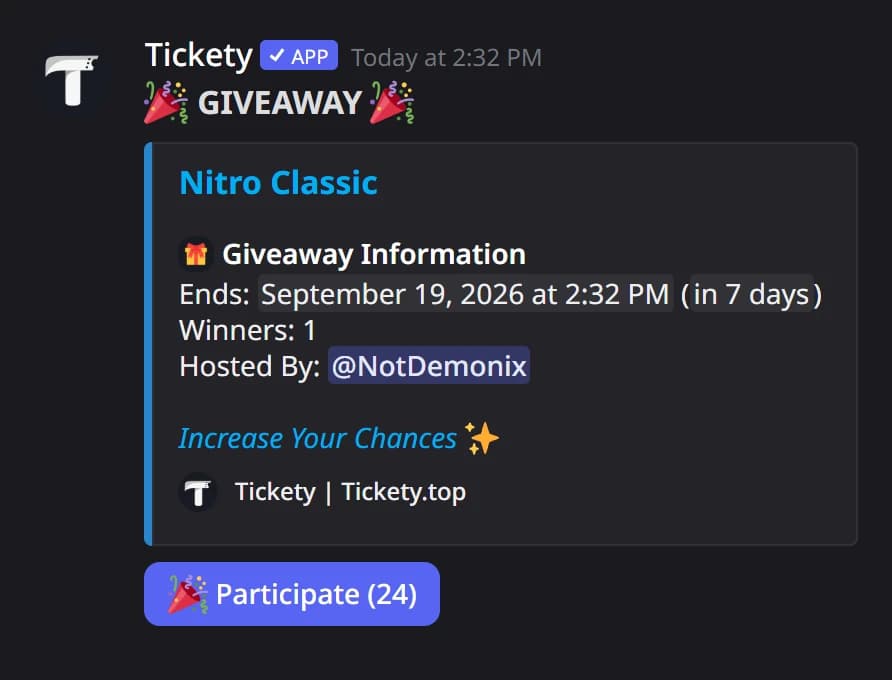
A giveaway is a message with a Participate button. When it ends, Tickety picks the winners at random. The rules on Configuration are your defaults: every new giveaway starts with them, and you can change them for one giveaway while creating it.
Your server needs an admin role in Settings before any giveaway can be created. Staff can create giveaways with the admin role, a giveaway manager role, or the Manage Channels and Send Messages permissions.
Open giveaway Configuration
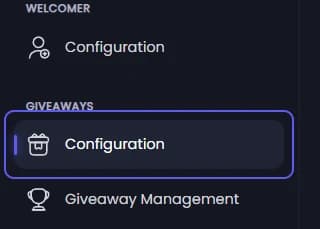
Open your dashboard and pick your server. In the sidebar, under Giveaways, click Configuration.
Set who may enter
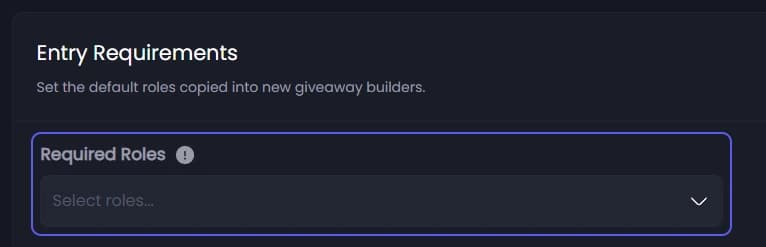
Under Entry Requirements, open Required Roles and pick the roles a member needs to enter. Leave it empty to let anyone in.
Decide about the captcha
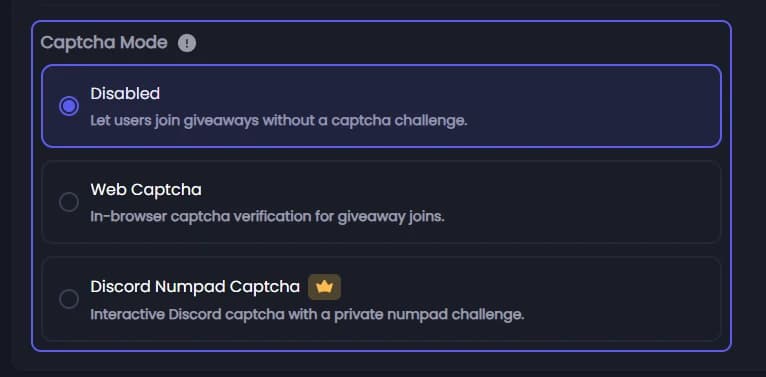
Further down, under Captcha Mode, pick one. A captcha is a small check that keeps fake accounts out of the draw.
- Disabled: members join the moment they press Participate.
- Web Captcha: they pass a check in their browser. Free.
- Discord Numpad Captcha 👑: they type a code from a picture on buttons inside Discord.
This one applies straight away, to giveaways already running too.
Save
Press Save Changes in the bar at the bottom of the page.
Start a new giveaway
In the sidebar, under Giveaways, click Giveaway Management, then press Create New Giveaway. A form opens, one step at a time.

Fill in the prize
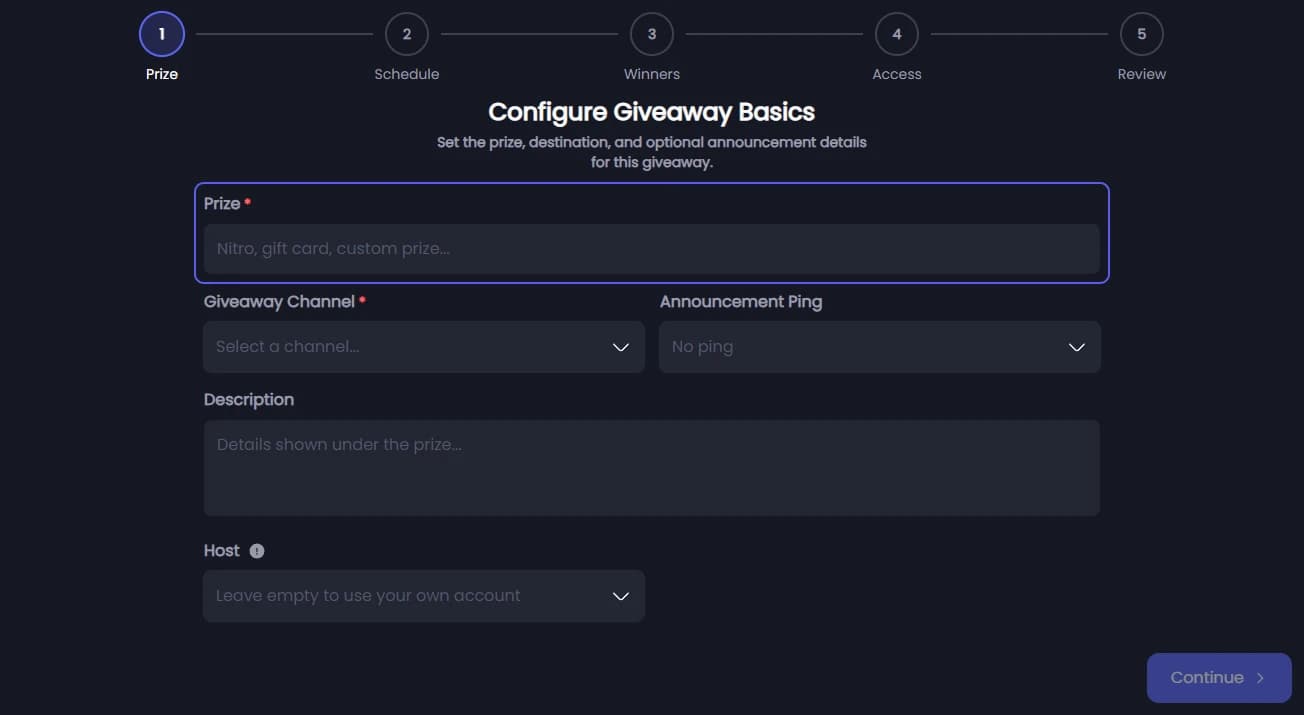
On the Prize step, type what you are giving away in Prize, up to 256 characters, and pick the Giveaway Channel it is posted in. Announcement Ping, Description and Host are there if you want them. Press Continue.
Pick when it ends
On the Schedule step, pick an End Condition: Time (after a set duration), Date, Participant Goal (when enough people enter) or Server Member Goal (when your server reaches a member count). Then fill in the field below it. Press Continue.
Pick the winners
On the Winners step, set how many Winners, from 1 to 99. Winner Reward Roles are given to winners automatically. Press Continue.
Check who may enter
The Access step starts with your defaults from Configuration. Change them here for this giveaway only. Press Continue.
Create it
On the Review step, check the summary and press Create Giveaway. Tickety posts it in the channel:
It did not work?
Features marked with a crown (👑) need a Premium Subscription.