
Celebrate milestones and say goodbye
Mark the join that hits a round member count, and post when someone leaves.
A milestone is a member count worth celebrating, like 1000 members. The member who takes your server past it gets a special card and message. You can also post a message when someone leaves. Both are part of the welcomer, so it has to be on: see Welcome new members.
Open the welcomer
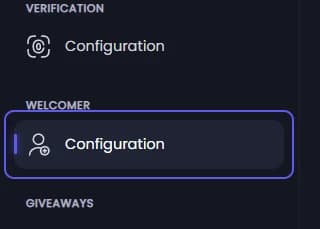
Open your dashboard and pick your server. In the sidebar, under Welcomer, click Configuration.
Turn milestones on
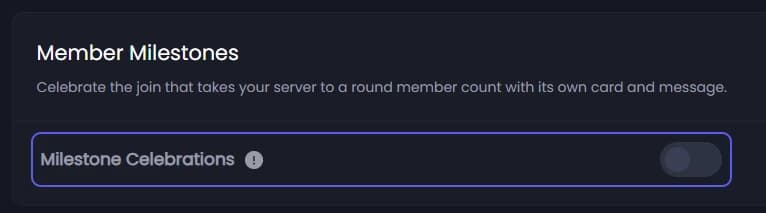
Under Member Milestones, turn on Milestone Celebrations. Milestones ride on your welcome, so a welcome channel message or DM has to be set up.
The first member to join after you turn this on only marks where your server is. The celebration is for the next milestone you reach.
Pick the counts
Milestones shows up below once Milestone Celebrations is on. In it, type a member count and press Enter, like 5000. To celebrate over and over, type something like every 1000. You can have one repeating milestone and up to 25 others. It starts with 500 and every 1000.
Change the celebration
Below the list, Card Badge is the line added to the member's card, and Badge Color its colour. Milestone Message replaces the welcome text for that one join. The Preview shows the card.
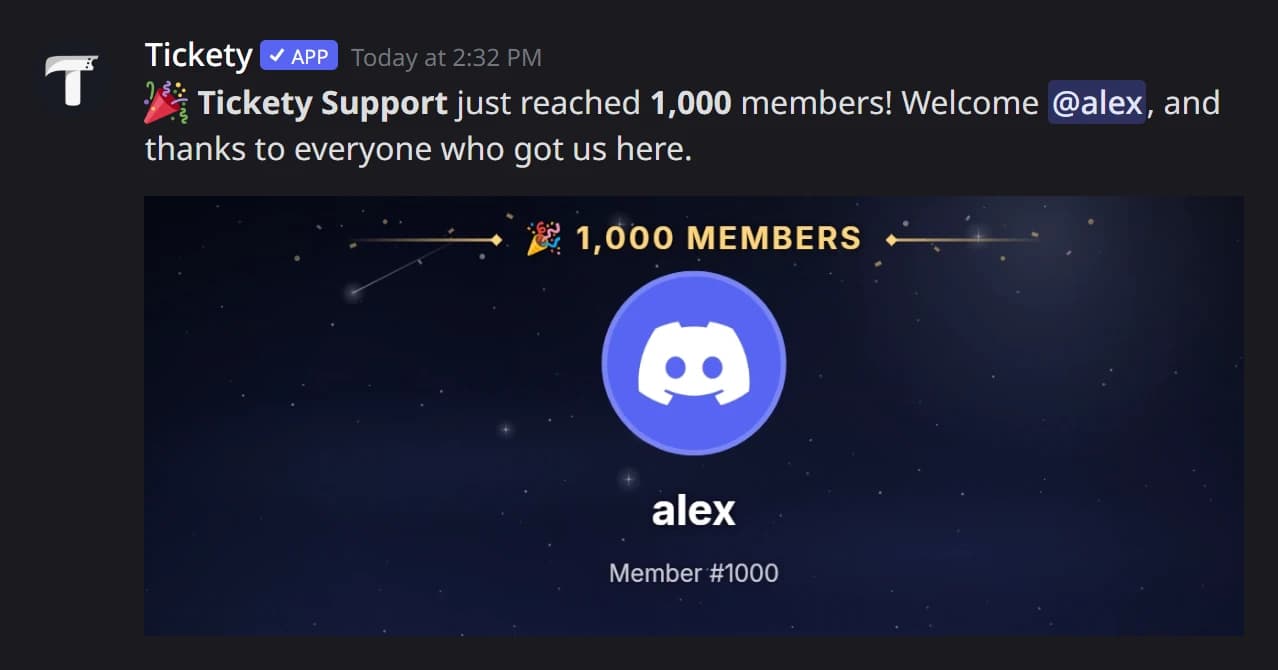
In Discord, a milestone join looks like this:
Pick the channel
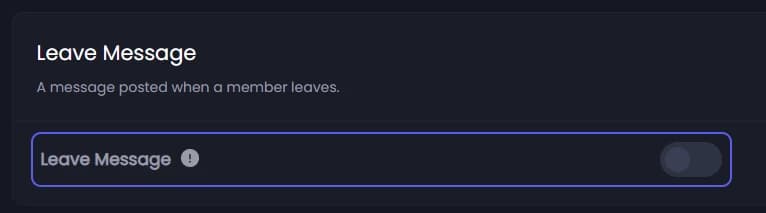
Open Leave Channel and pick where it is posted. Change the text below if you like: it starts as the member's name and "has left".
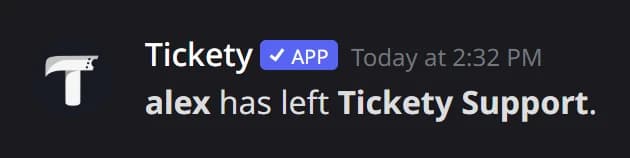
If verification is on, Verified Members Only skips the message for members who never verified.
Save
Press Save Changes in the bar at the bottom of the page.